 Linso
LinsoiPhone · Free · No account
Fresh lenses,
on time.
Linso tracks your contact lenses one eye at a time and reminds you when it’s time to replace them. Wear dailies for a while and your monthly pair waits in the case, still counting down.
Reminder on replacement day, at 09:00
01The app
One ring per eye.
Nothing to remember.
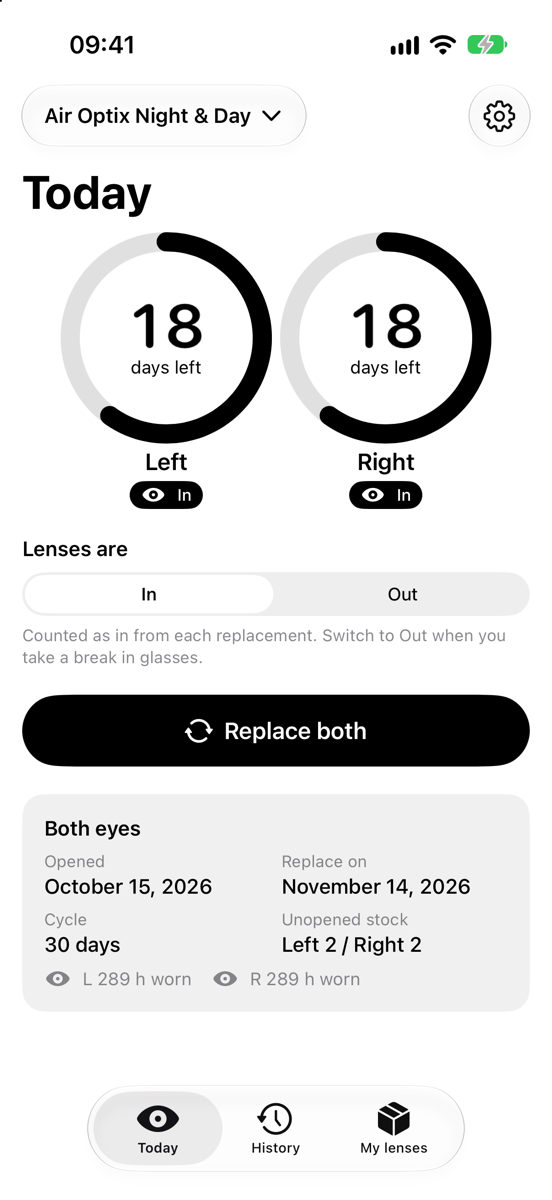
The ring is the life left in each lens. It shrinks a little every day and is empty on replacement day. Linso does the counting and the reminding, and stays out of the way otherwise.
Each eye on its own
Left and right keep their own opening date, cycle and stock, because lenses tear and get lost one at a time.
Replace in one tap
Replace both, or one eye with a date and a reason. Undo for a few seconds if you tapped by mistake.
Reminders that keep going
A heads-up, one on the day, then daily while overdue. Mark lenses replaced straight from the notification.
Several lens types
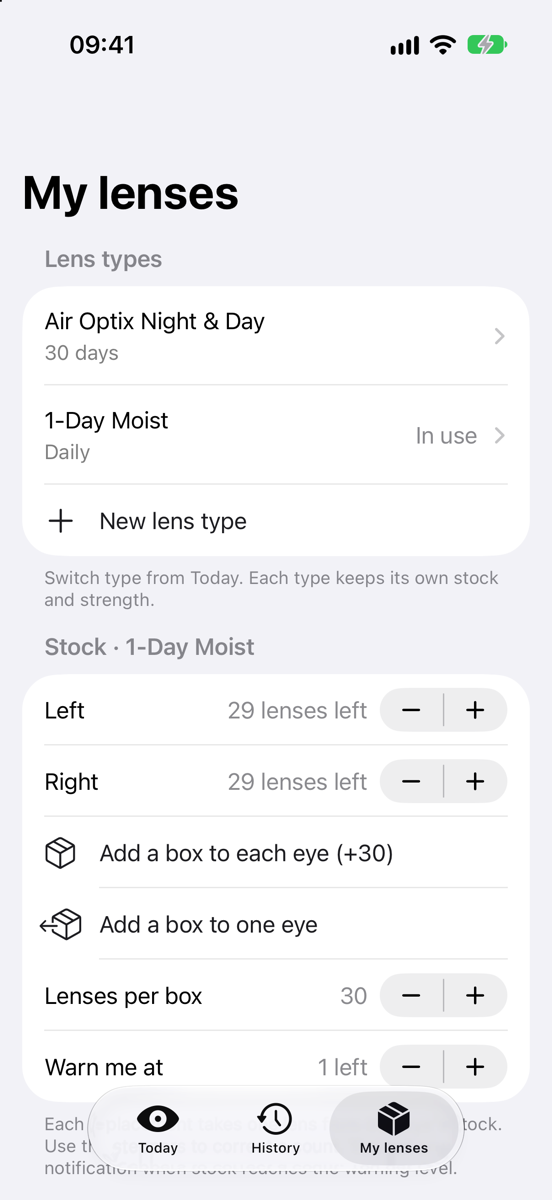
Monthly, two-week and daily lenses side by side, each with its own cycle and stock. Switch in two taps.
Stock and supply
Unopened lenses per eye, a box at a time, with an estimate of when you run out and a nudge before you do.
Hours worn
A simple In and Out switch adds up the hours per lens, or counts them in from replacement if you sleep in them.
History
Every lens by month, with how often you replaced on time. Edit or remove any entry.
Widgets
Days left on the Home Screen and Lock Screen, and lenses in or out without opening the app.
Strength per type
Sphere, cylinder, axis, base curve and diameter for each lens type, entered with a scroll wheel. Save to Apple Health if you like.
02Lens types
Dailies for a week.
Monthlies wait.
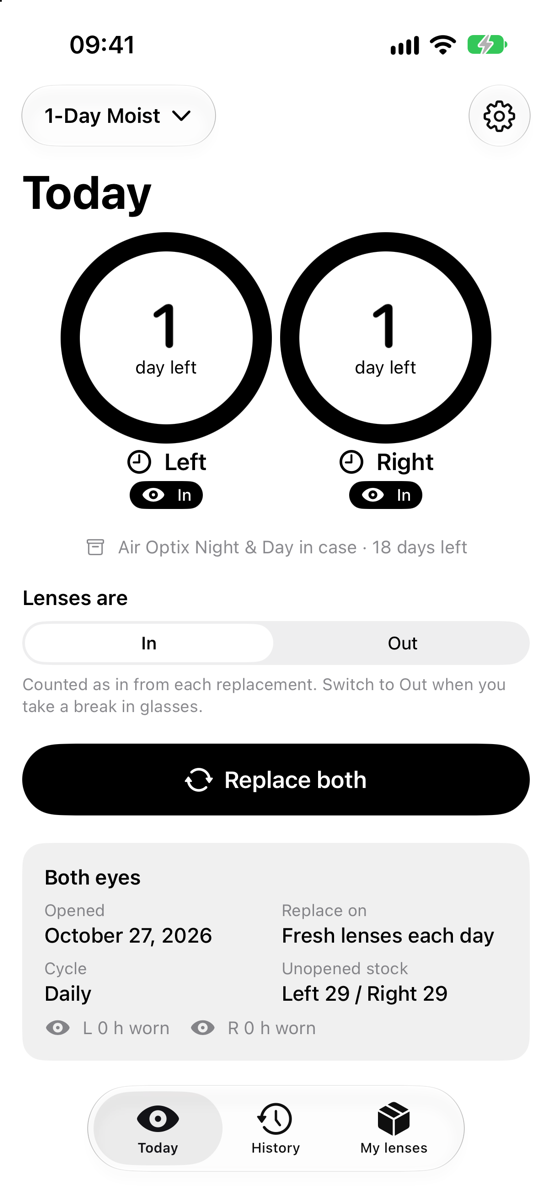
Tap the lens type at the top of Today and pick another. Your monthly pair goes into the case and keeps counting down, the way the maker dates it. Switch back while it has days left and you carry on with the same pair, with no stock used.
- Both eyes or one eye at a time
- Expired pair in the case? Linso asks before opening a new one
- One notice on the day the cased pair runs out, no nagging
03Privacy
Your lenses.
Your data.
No account, no ads, no analytics, no servers of ours. Read the privacy policy; it’s short.
Lenses, stock and settings sync through your private iCloud database. We can’t see it.
Your prescription is never sent to iCloud. Apple Health gets a copy only if you turn that on.
The App Store label says Data Not Collected, and that’s the whole story.